3 min read
Add credit with Google Pay: a quicker way to top up on Android
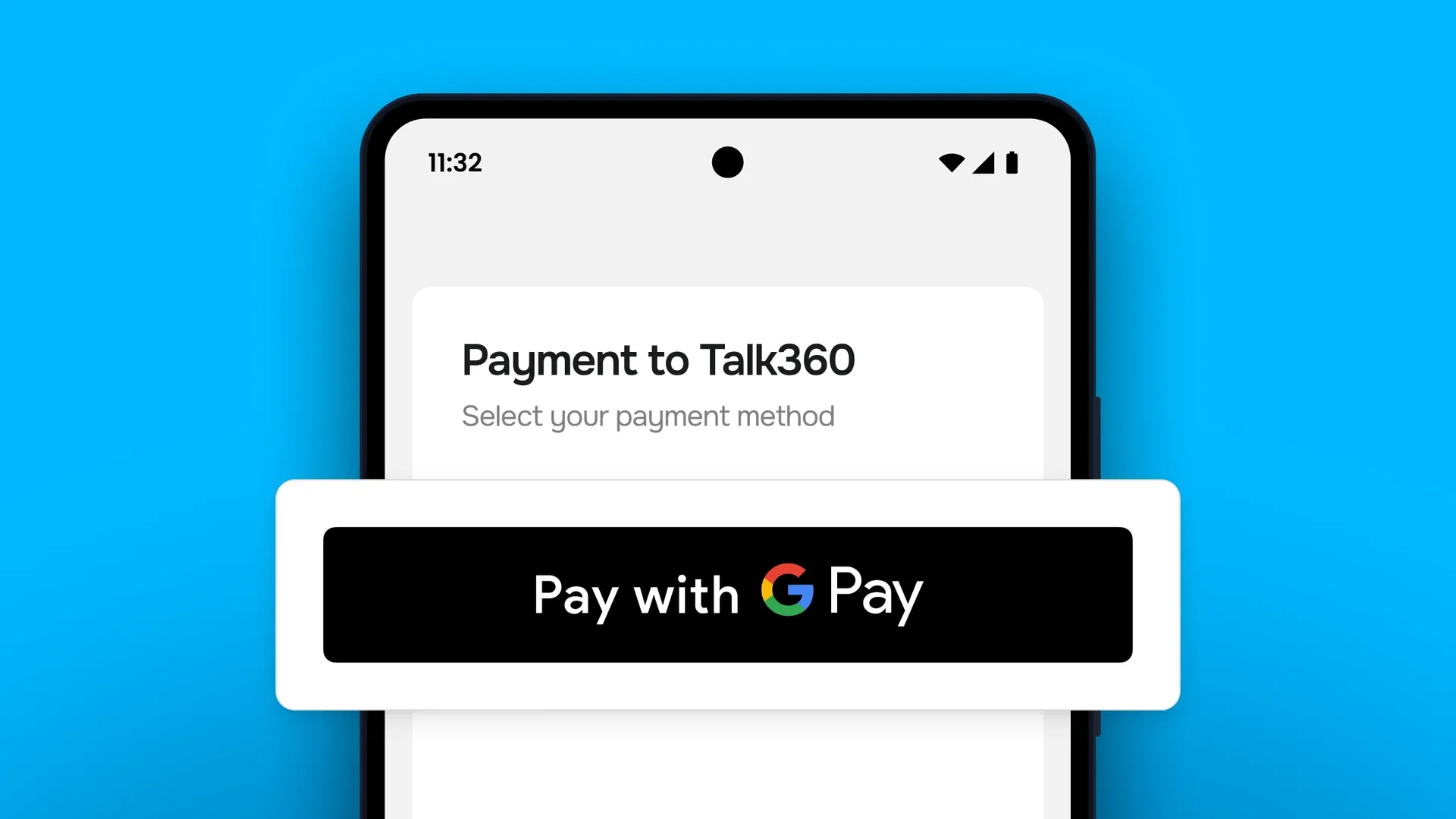
You open Talk360 to make an international call and see that your balance is low. Until now, that meant finding your card and typing in the numbers. If you use Talk360 on Android, there's now a quicker way: you can add credit with Google Pay.
Here's what Google Pay is, how to use it in the Talk360 app, and what you need to get started.
What is Google Pay?
Google Pay lets you pay with the cards saved in Google Wallet on your Android phone. You add your debit or credit card once. After that, you can pay in apps without typing your card details again. You confirm each payment with your phone's screen lock, such as your fingerprint, face or PIN.
Why pay with Google Pay in Talk360?
- It's quick. Choose Google Pay, confirm on your phone and you're done.
- No card details to type. Your card number, expiry date and security code stay in Google Wallet.
- Your credit is ready straight away. As soon as the payment goes through, you can make your call.
Whether you're calling family back home, a customer abroad, or your bank or airline, paying for your call shouldn't slow you down.
How to add credit with Google Pay
- Update the Talk360 app. Open the Google Play Store, search for Talk360 and tap Update. Google Pay works from app version 8.36.0.
- Tap Buy credit and choose how much credit you want to add.
- Select Google Pay as your payment method.
- Confirm with your screen lock. Your credit is added to your balance, and you're ready to call.
Using Google Pay for the first time? It may ask you to add a card to Google Wallet first. This only takes a minute, and you only need to do it once.
Check out the full How-To video on YouTube.
What you need
- An Android phone with Google Play services
- The Talk360 app, version 8.36.0 or later
- A supported debit or credit card saved in Google Wallet
Frequently asked questions
Is Google Pay the same as Google Play?
No. Google Play is the store where you download apps. Google Pay is a way to pay with the card saved in your Google Wallet. When you add Talk360 credit with Google Pay, you pay with your own card. It's not a purchase through the Play Store.
Can I use Google Pay on iPhone?
Google Pay in Talk360 is available on Android. On iPhone, you can add credit with Apple Pay.
Why don't I see Google Pay at checkout?
First, check that your Talk360 app is up to date and that Google Pay is set up on your phone. Google Pay isn't available for every account currency or on phones without Google Play services yet. Your other payment methods work as usual.
Where can I get help?
Open the Messages tab in the Talk360 app and tap Send us a message. Our support team is happy to help.
Ready for your next call?
Open Talk360, tap Buy credit and choose Google Pay. One less step between you and the people you want to call.
Keep reading